
Last Updated: October 30, 2026
Quick Summary
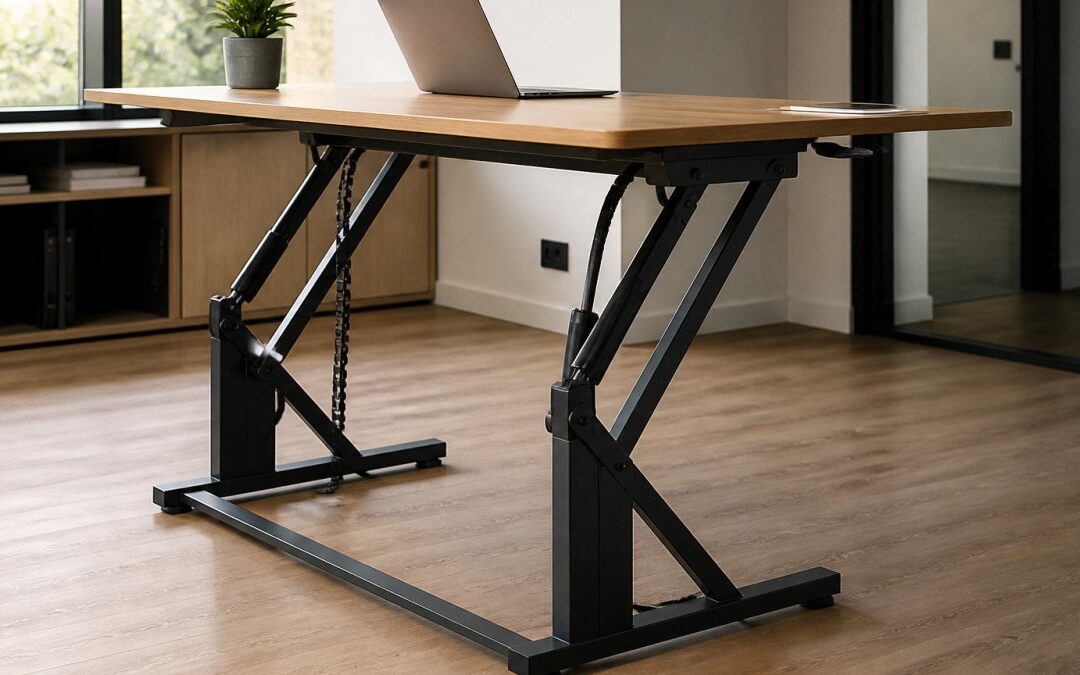
Good workmanship in a hydraulic desk lift shows in three places: the frame welds and fixings, the desktop finish and edge sealing, and how the mechanism behaves under load. Check clean, continuous welds, correctly torqued locking bolts, and sealed desktop edges before buying. A well-built hydraulic desk lift is a practical choice for a single desk that changes height only a few times a day.
- Check weld quality and joints where the leg columns meet the cross bars, since stress concentrates there.
- Test frame rigidity at full height, because the overlap between leg columns is at its minimum then.
- Ask suppliers for measured noise in decibels at the operator position, not a vague claim of quiet operation.
- Ask for lifting speed in millimetres per second and the duty cycle to compare real-world performance.
- Inspect the desktop finish under your own office lighting, and check that edges are properly sealed.
Table of Contents
- What Workmanship Means in a Hydraulic Desk Lift
- Hydraulic vs Electric Desk Lifting Mechanisms
- Commercial Grade Standing Desk Components to Inspect
- Reviewed Models: Build Quality and Finish Compared
- Hydraulic Desk Lift Maintenance Guide for Long-Term Performance
- Specifying a Hydraulic Desk Lift for Your Office Fit-Out
- Frequently Asked Questions
What Workmanship Means in a Hydraulic Desk Lift
Workmanship is the difference between a desk that lasts a decade and one that starts wobbling after a year. For a hydraulic desk lift, it shows up in three places: the frame, the finish and the way every part is fixed together. Facilities managers buying for a corporate office often focus on the desktop and overlook these details, yet they decide how the unit performs under daily use.
BS EN 527-1 office furniture work tables standard sets out the performance and safety criteria that a commercial work surface should meet, and it is a useful reference when comparing quotes. Ask suppliers which standard their desks are tested against.
Frame welds, joints and fixings
Look at the welds first. Clean, continuous welds with even bead lines suggest careful fabrication. Gaps, spatter or visible pinholes suggest the opposite. Check where the leg columns meet the cross bars, because that is where stress concentrates when the desk is raised and loaded.
Fixings matter as much as welds. Bolts should be the correct grade, fitted with locking hardware, and tightened to the manufacturer’s torque specification. A frame that feels solid when static can develop play once fixings loosen, which is why a torque check belongs in any installation checklist.
Surface finish and edge sealing
The desktop finish determines how the surface handles spills, scratches and cleaning products. A laminate finish should be even, without bubbling at the edges. Edges are the weak point. Sealed edges keep moisture out of the core board, and unsealed or poorly sealed edges can swell over time.
Watch out: a glossy surface can look premium in a showroom but show every scratch under office lighting. Ask for a sample under the lighting your office actually uses.
Hydraulic vs Electric Desk Lifting Mechanisms
Both hydraulic and electric systems raise a desk, but they do it through fundamentally different mechanisms, and that difference shapes everything from noise to maintenance. Hydraulic units use a fluid-filled cylinder, usually operated by a hand crank or a simple lever, where pressure displaces fluid to extend the lifting column. Electric units use motors driving a gearbox or lead screw, often with a control box and memory presets. Neither is automatically better. The right choice depends on how often the desk changes height, the load it carries, the acoustic environment and the budget.
How each mechanism behaves under load
A hydraulic lift delivers smooth, stepless travel because fluid compresses predictably under load. That makes it well suited to heavy or uneven loads, and it holds position without drawing power. The trade-off is speed: a hand-crank hydraulic desk typically raises more slowly than a push-button electric model, and the effort required rises with the load. Electric systems move faster and offer programmable heights, but the motor and gearbox must be sized for the load, and a marginal motor will labour or stall when the desk is fully laden.
Noise: the specification most buyers overlook
Noise during height adjustment is a major pain point in shared and home offices, yet it is rarely quantified in sales literature. Electric desks vary widely: a quality dual-motor system can be discreet, but cheaper single-motor units often produce a noticeable hum or judder that carries in a quiet room. If the desk sits in an open-plan office or a room used for calls, ask suppliers for measured sound-pressure data at the operator position and compare like for like. Do not accept a vague claim of ‘quiet operation’ without a figure.
Maintenance and failure modes
Hydraulic mechanisms have fewer electrical components to fail, but they introduce seals and fluid as wear items. A worn seal or gradual fluid loss shows up as drift or sagging, and it needs professional repair rather than a home fix. Electric mechanisms avoid fluid but introduce motors, control boxes and cables, and motor noise or judder is often the first sign of a failing component. For a single desk where height changes only a few times a day, a well-built hydraulic lift is often the more practical option; for shared or frequently reconfigured workstations, the speed and memory presets of an electric system usually justify the extra complexity.
When comparing quotes, ask for the lifting speed in millimetres per second, the measured noise level in decibels at the operator position, and the duty cycle. These three figures reveal more about real-world performance than any marketing description.
Commercial Grade Standing Desk Components to Inspect
Before signing off a purchase, inspect the components that take the most strain. The leg frame carries the weight and must stay rigid when extended, so check the lifting column for smooth travel without judder and look at the foot pads or base plates, since these protect the floor and stop the desk from creeping across it. A component that looks substantial in a showroom can still develop play once loaded and cycled daily, so the inspection should focus on how each part behaves under real conditions rather than how it looks on a spec sheet.
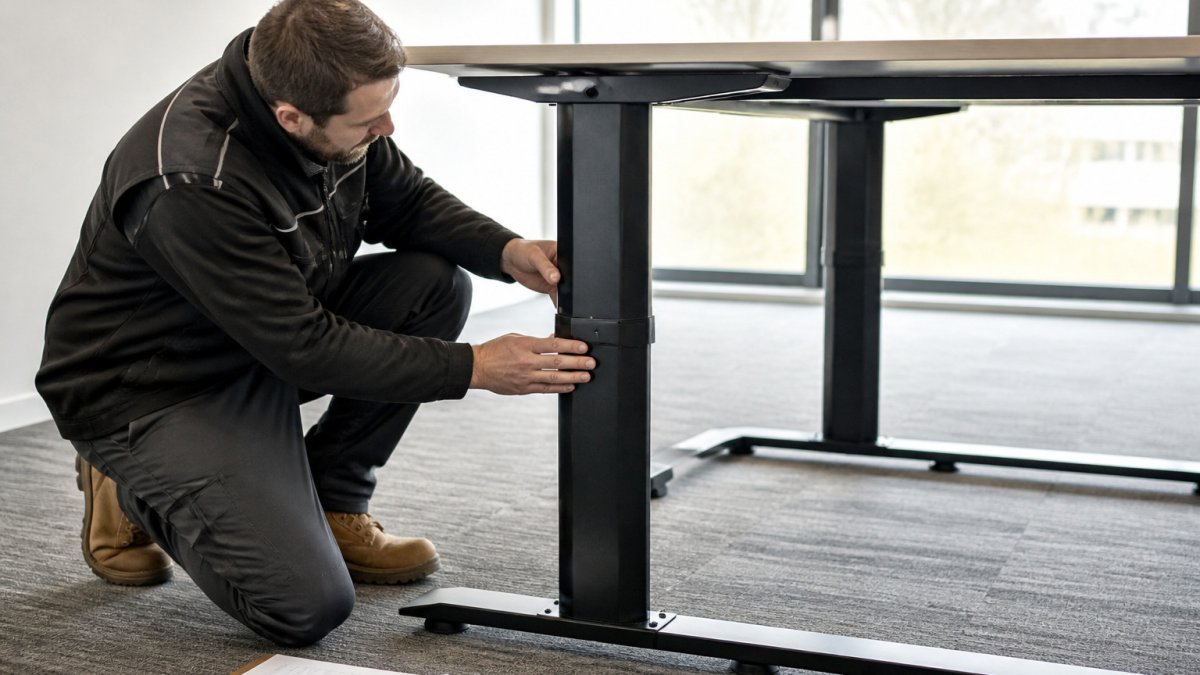
!A facilities technician in a bright office inspecting the steel leg frame and lifting column of a standing desk, with a clipboard beside them
Frame rigidity and lifting column travel
Test the frame at its highest setting, not its lowest. A desk that feels solid when lowered can wobble noticeably when extended, because the overlap between the inner and outer leg columns is at its minimum. Push the desk gently from the front and side at full height and watch for movement at the joints. Check that the lifting column travels smoothly through its full range without catching or juddering, and that both sides rise evenly on a dual-column model. Uneven travel is an early sign of a misaligned frame or a marginal mechanism.
Weight distribution and floor protection
A heavy hydraulic desk concentrates load through its foot pads or base plates, and how that load is spread matters for both stability and the floor beneath. On carpet, a small foot pad can sink and leave the desk uneven; on hard flooring, a metal base can mark or scratch the surface over time. Ask what floor protection is supplied, felt pads, rubber feet or a wider base plate, and check the load rating per foot rather than only the total capacity. For upper floors, consider how the desk’s weight and the operator’s weight combine, and whether the floor structure is suitable for a concentrated point load. This is a practical concern that sales literature rarely addresses.
Cable management and the finished appearance
Cable management is often overlooked. A commercial installation needs a clear route for power and data cables, so trailing leads do not become a trip hazard. Look for integrated trays or channels that keep cables clear of the lifting column, because a cable that snags during adjustment will eventually fail.
A desk that creeps or rocks under load is a stability problem, not a cosmetic one. Stop using it at full height and have the foot pads, fixings and frame alignment checked before it is returned to service.
Reviewed Models: Build Quality and Finish Compared
Several manufacturers supply standing desks to commercial buyers. The table below compares them on the build and finish criteria covered above. Pricing varies with specification, quantity and delivery, so request a quote from each supplier.
| Model | Build and frame | Finish quality | Best for |
|---|---|---|---|
| Uplift V3 Standing Desk | High-stability frame, wide height range | Over 200 desktop finish combinations | Buyers wanting customisation and a long warranty |
| Flexispot E7 Pro | Heavy-duty frame, lifting capacity above 200kg | Clean integrated cable management | Heavy equipment or multi-monitor setups |
| Desky Dual Sit Stand Desk | Solid steel frame, dual motor | Professional workspace finish | Offices prioritising ergonomic posture |
| Branch Furniture Standing Desk | Stable base, simple assembly | Surfaces resistant to wear | Corporate offices wanting a minimalist look |
| iMovR Lander Desk | Factory-assembled components | Advanced 3D-laminated finish, refined edges | Buyers prioritising high-end finish and easy setup |
Hydraulic Desk Lift Maintenance Guide for Long-Term Performance
A hydraulic desk lift needs little routine attention, but a few checks keep it performing well for years. Each month, lower the desk fully and check for drift or uneven movement. Clean the lifting column and guide rails to remove dust that can scratch seals. Tighten fixings to the specified torque at least twice a year.
Check the desktop edges and surface quarterly. Small chips are easier to repair early. Keep cleaning products mild, since harsh solvents can dull laminate finishes over time. Record each check in a simple log, so facilities teams can spot gradual changes before they become failures.
Where a unit starts to sag, stop using it under full load and contact the supplier. A worn seal or fluid loss needs professional repair, not a home fix.
Specifying a Hydraulic Desk Lift for Your Office Fit-Out
When writing a specification, state the load rating, height range, frame material, finish standard and warranty period. Ask each supplier to confirm the testing they carry out and provide documentation. Request samples of the desktop finish under your lighting, and check edge sealing in person.
Consider how the desks will be installed. A clean, well-planned fit-out reduces disruption and gives a finished result that lasts. HSE guidance on workstation display equipment and posture is a useful reference for setting out the ergonomic requirements that your specification should reflect.
RW Flooring has over 15 years of experience with commercial fit-outs, including out-of-hours fitting to limit disruption to working days. Request a quote through our website.
Frequently Asked Questions
What defines high-quality workmanship in hydraulic desk systems?
Good workmanship shows up in the details: clean, consistent welds on the frame, square and tight joints, fixings that stay torqued after months of use, and a desktop whose laminate or edge sealing is fully bonded with no lifting at corners. Lift columns should move smoothly through their full travel without grinding or side-to-side play. Ask a supplier for the frame specification, the load rating and the warranty terms in writing, since these show how much the manufacturer expects the desk to endure. Inspecting a sample in person before a bulk order is the most reliable check.
How do I ensure a professional finish when installing a hydraulic desk?
Start with a level, rigid floor, because an uneven base stresses the lift columns and makes the desktop look misaligned. Assemble the frame following the manufacturer’s sequence, tighten all fixings in stages rather than fully one at a time, and check that the desktop sits flush before final torquing. Route cables through the integrated management channels so they do not pull on the frame. Protect the surface during handling with a clean cover, and keep spare fixings and tools to hand so nothing is improvised on site.
Are hydraulic desk lifts more durable than electric alternatives?
Durability depends more on build quality and load rating than on the lifting method alone. Hydraulic systems have fewer electronic components that can fail, but they need periodic checks of seals and fluid levels, whereas electric systems rely on motors, control boxes and cabling that are easier to replace as modules. For commercial use, choose the option whose supplier offers spare parts, a clear service route and a warranty that covers the lift mechanism specifically.
What maintenance is required for professional-grade hydraulic lifting desks?
Inspect fixings and the frame every few months, checking for loosening, and clean the lift columns so grit does not score the sliding surfaces. Watch for drifting, uneven movement or leaks around seals, which are early warnings that should be investigated before they become failures. Keep the rated load in mind and avoid pushing the desk beyond its capacity. Record maintenance visits, since this helps when making a warranty claim or planning replacement parts.
